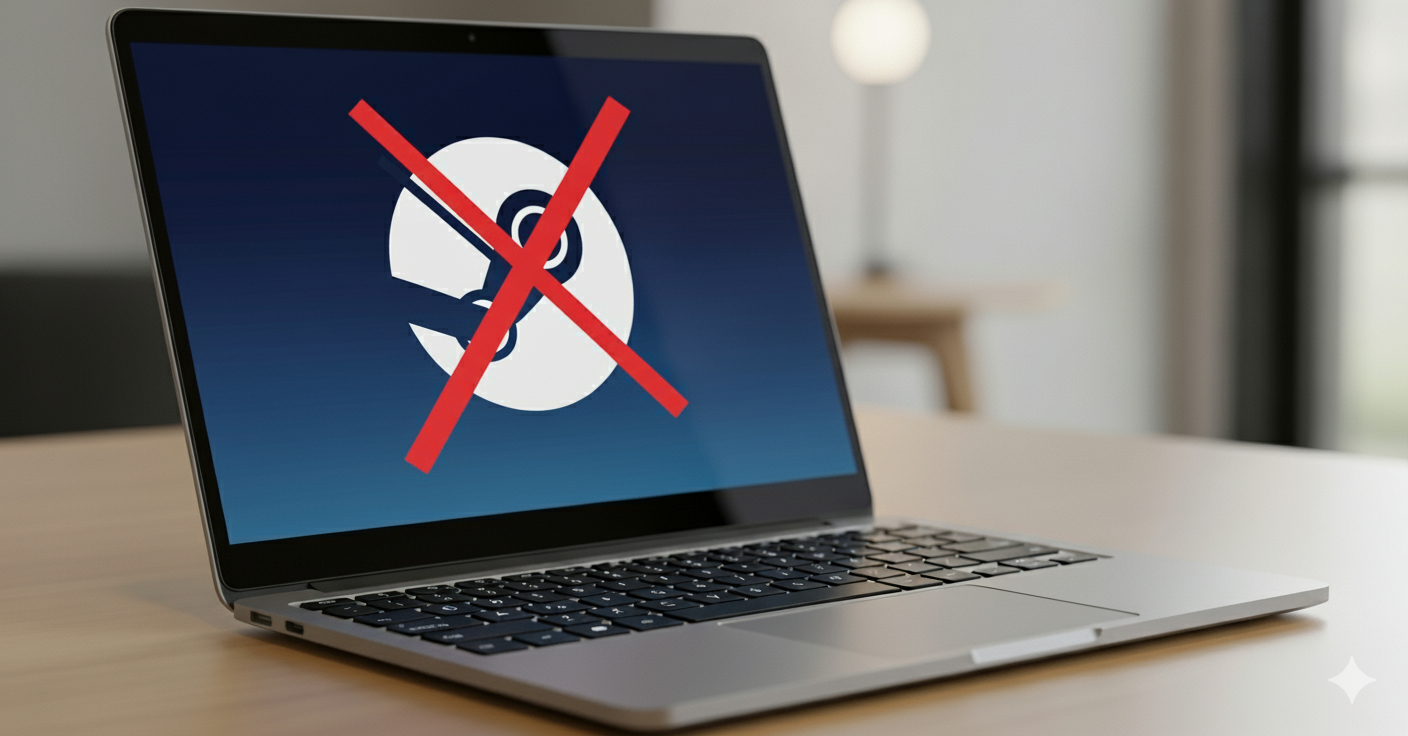
Chromebooks have steadily evolved from devices primarily suited for web browsing and productivity into more versatile machines capable of handling a growing array of entertainment options. However, the landscape of gaming on ChromeOS is shifting significantly as we approach 2026. With the announcement that Steam support will cease on Chromebooks at the start of the new year, many users are wondering what alternatives will keep their gaming experiences alive. This guide explores the current state of gaming on Chromebooks, the impact of Steam’s departure, and the most promising pathways for gamers in 2025 and beyond.
The Decline of Steam Support on ChromeOS
Since 2022, installing Steam on ChromeOS was a feasible option, allowing users to run PC games directly on their Chromebooks. This capability was part of a broader project codenamed Borealis, a collaboration between Google and Valve aimed at bridging the gap between ChromeOS and gaming. The goal was to enable Chromebook owners to install the Steam client and play PC titles natively, despite ChromeOS being originally designed for online work and web-based tasks rather than gaming.
However, support for Steam on ChromeOS was always limited by hardware constraints. Most Chromebooks feature mid-range CPUs, minimal RAM, and lack dedicated graphics cards, making it difficult to run many demanding titles. Only a few high-end gaming Chromebooks could handle even a modest selection of Steam games comfortably. Additionally, although the Steam catalog boasts over 100,000 titles, only a tiny fraction—roughly 0.1%—were compatible with ChromeOS, primarily due to hardware and software limitations.
The introduction of Proton, Valve’s compatibility layer that enables Windows games to run on Linux systems, was expected to expand playable titles. Unfortunately, the hardware restrictions of most Chromebooks meant that only a handful of games could be effectively played. As a result, Google and Valve have decided to sunset Steam support on ChromeOS, effectively ending this chapter of native PC gaming on Chromebooks.
Impact and Reasons Behind the Transition
Several factors contributed to this decision. Hardware limitations were the primary obstacle; most Chromebooks are not built for gaming and cannot support intensive applications required by many PC titles. The limited performance capabilities meant that even with Proton, only a small subset of games was playable.
Furthermore, the limited selection of ChromeOS-compatible titles in the Steam library made the native gaming experience less appealing. While services like Stardew Valley, Cuphead, and Hades are available on some Chromebooks, they represent a tiny sliver of Steam’s extensive catalog.
The advent of cloud gaming has significantly altered the landscape. Platforms such as GeForce NOW, Xbox Cloud Gaming, and Luna have gained prominence, providing access to high-quality games without the need for powerful local hardware. Cloud gaming streamlines gameplay, bypassing compatibility issues and hardware limitations, which renders native development less crucial for the platform. Consequently, Google and Valve are shifting their focus away from native Steam support in favor of embracing these new technologies.
Alternative Gaming Options for Chromebooks in 2025 and Beyond
Despite the end of Steam on ChromeOS, gamers are not left without options. The platform’s future will hinge on two main avenues: Android-based gaming and cloud gaming services.
Playing Android Games via Google Play Store
The convergence of ChromeOS and Android has opened up a vast library of mobile games accessible directly from the Google Play Store. This approach offers an immediate and straightforward way to enjoy gaming on Chromebooks, with titles spanning casual puzzles, multiplayer online games, racers, shooters, and sports simulations. The broad selection covers nearly every genre, and because these games are optimized for mobile hardware, they tend to run smoothly on modest Chromebook configurations.
However, a challenge arises from the fact that many Android games are designed for touch screens. Not all Chromebooks feature touchscreen displays, and controls optimized for finger taps do not translate well to keyboard and trackpad inputs. While some titles support controllers or keyboard input, the overall experience can vary, and control schemes remain a significant consideration.
Installing Linux Games Through Crostini
For more technically inclined users, ChromeOS’s Linux environment—known as Crostini—provides another avenue for gaming. By enabling the “Linux (Beta)” feature, users gain access to a full Linux shell where they can install and run Linux-compatible games. This method allows for installing the Linux version of the Steam client and other game platforms, opening up a broader selection of titles.
While promising, this approach has limitations. The hardware restrictions of most Chromebooks mean that even if a game can be installed, it might not run smoothly. Additionally, setting up Linux gaming requires familiarity with command-line operations and Linux environments, making it less accessible to casual users. For those willing to invest time and effort, Crostini offers a way to expand gaming options beyond Android titles.
Cloud Gaming as the Future of Chromebook Play
The most impactful development in Chromebook gaming is the rise of cloud gaming services. These platforms enable users to stream games from powerful remote servers, effectively removing hardware limitations. Services like GeForce NOW, Xbox Cloud Gaming, and Luna allow players to access AAA titles, indie games, and everything in between, without needing to upgrade their devices.
Cloud gaming functions by streaming video of gameplay to your Chromebook, which acts as a thin client. This makes it ideal for devices with limited processing power, as all the heavy lifting occurs remotely. A subscription grants access to extensive game libraries, often including titles already owned on platforms like Steam or Epic Games Store.
However, cloud services come with some trade-offs. The game catalog availability varies, and licensing agreements sometimes restrict access to certain titles. Additionally, mod support is generally limited, and a stable high-speed internet connection is essential for a smooth experience. Despite these limitations, cloud gaming remains one of the most promising ways to continue enjoying high-quality gaming on Chromebooks in 2025 and beyond.
Turning a Chromebook into a Full Windows PC with Shadow
An alternative approach gaining traction is using full cloud PC solutions such as Shadow. Unlike traditional cloud gaming, Shadow provides a complete Windows environment accessible via a browser or dedicated app. This setup transforms a Chromebook into a full-fledged PC capable of running any Windows-based game or software.
With Shadow, users can install Steam, Epic Games Store, or any other platform, and run games as if on a high-performance PC. This method bypasses hardware restrictions entirely, providing access to the entire Windows ecosystem—including professional tools like Adobe Photoshop or 3D modeling software.
This approach combines the portability and affordability of Chromebooks with the power of a remote Windows machine, making it a compelling choice for gamers and professionals who want the best of both worlds.
Conclusion: The Future of Gaming on Chromebooks
The end of native Steam support on ChromeOS marks a transition rather than an end. The core strengths of Chromebooks—cost-effectiveness, portability, and long battery life—remain intact, while new gaming pathways are emerging rapidly.
Native Android gaming will continue to grow, supported by the platform’s convergence with ChromeOS. Meanwhile, cloud gaming and full cloud PCs like Shadow are expanding the horizons of what’s possible. These technologies leverage the cloud to deliver high-quality gaming experiences without the need for expensive hardware.
In 2025 and beyond, players will find that the ecosystem has never been richer or more flexible, ensuring that Chromebooks remain relevant for gaming. For those interested in developing their skills or creating games, exploring resources such as web, mobile, and game development can be invaluable for entering this thriving industry. Additionally, building a compelling portfolio of your work is essential—more info available at crafting a standout game development portfolio. Whether you aim to be a developer or a dedicated gamer, understanding the essential qualifications for a game developer is crucial for success.